A WordPress rebuild for JP Excavation & Landscape
I’m Jeremy Cerce, the designer behind CerceWeb in Somerset, Massachusetts. I rebuilt the website for JP Excavation & Landscape, an Acushnet contractor serving Southern Massachusetts and Rhode Island. The WordPress site gives a property owner three ways to get started: find the service they need, see a similar job, or ask JP to come take a look.
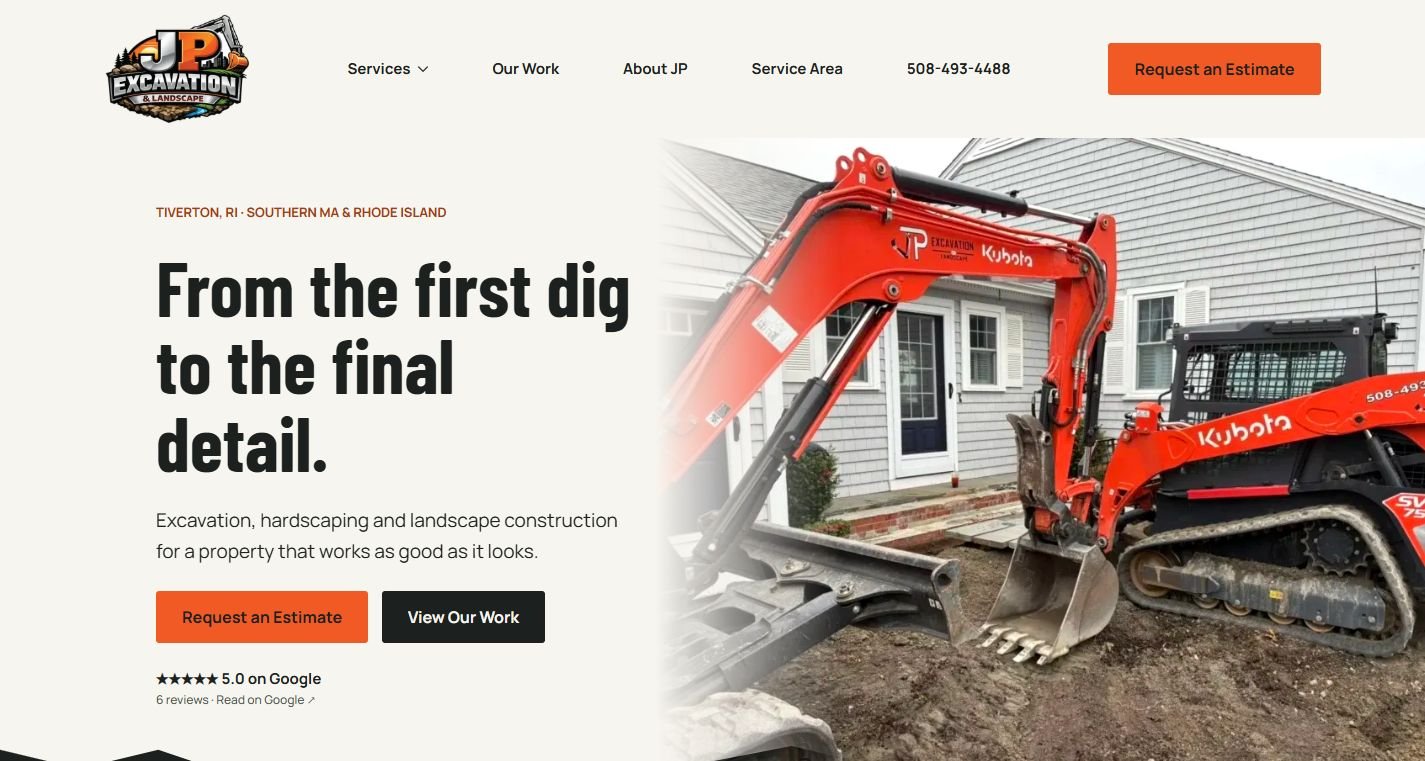
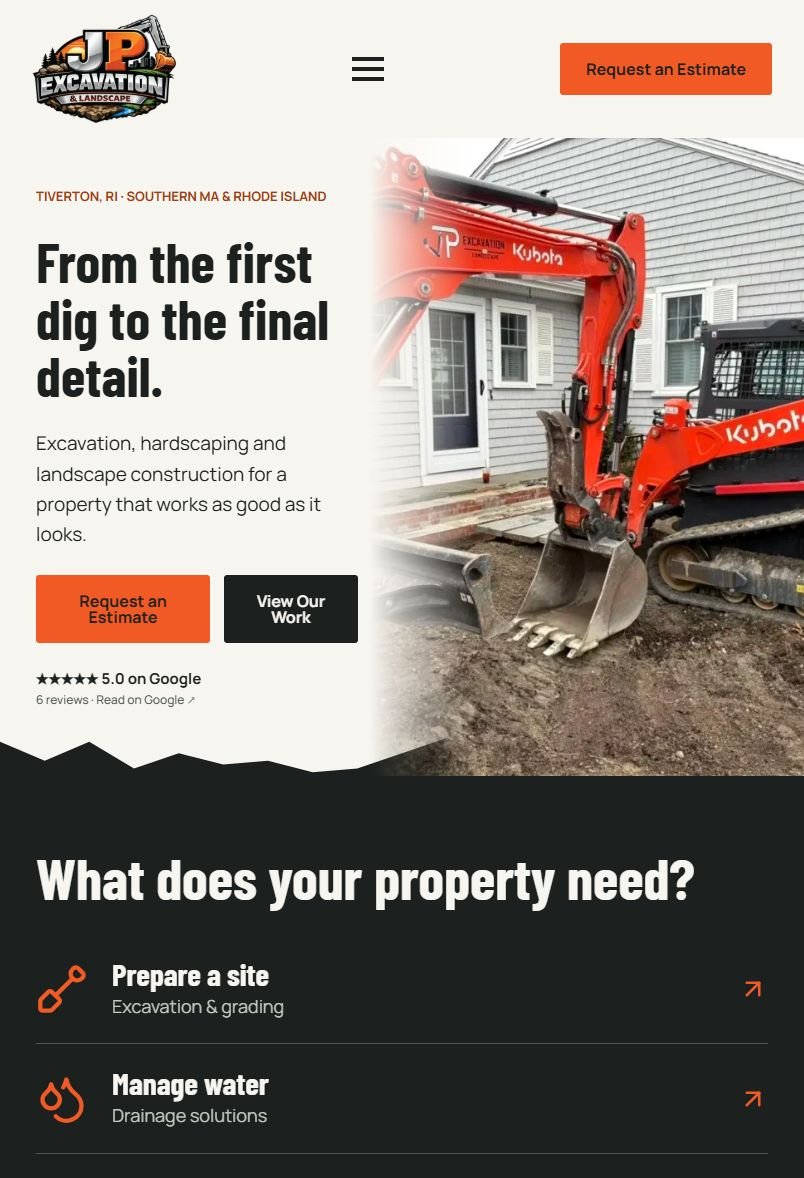
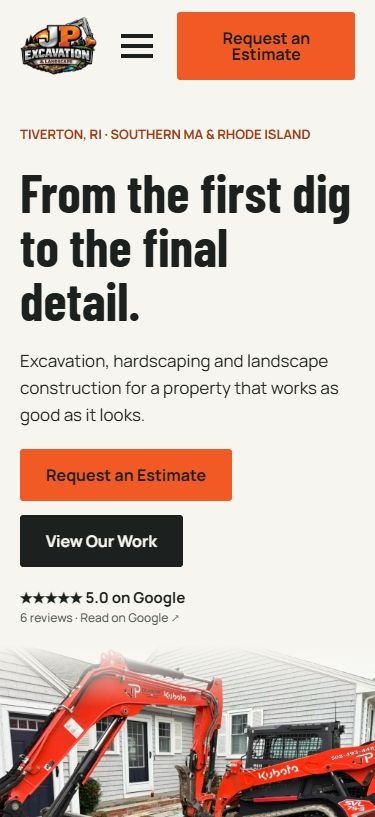

Start with the problem in the yard
A homeowner with water pooling near a walkway may have no idea what to ask an excavation crew for. On the rebuilt site, drainage and grading have their own service page. Someone planning a different job can go straight to land clearing, a gravel driveway, or septic and utility excavation.
Let the job photos explain the work
For a drainage job at a building entrance, the gallery pairs a photo of marked grass with the finished walkway area. A second pair follows a parking area from prepared ground to finished gravel. A homeowner can see the part of the job that usually gets covered up by the time the crew leaves.
From a finished job to an estimate
At the end of the gallery, a homeowner can select Request an Estimate, enter their name, email and property town, choose the work they need, and describe the job. A phone number is optional. There’s room to mention a narrow gate or a preferred start date. Photos can come later when JP follows up.
Want customers to see what your crew can do?
If you have job photos sitting on your phone, that’s a good place to start. I can help turn them into a website that shows what you do and gives people a way to ask about their own job.